Nonlinear seismic analysis of buildings, on OpenSees
Model and design a building as in FEA Studio, then push it, shake it and take columns out of it. Every analysis runs on the OpenSees you install, and the results come back as capacity curves, hinge checks and a seismic evaluation report.
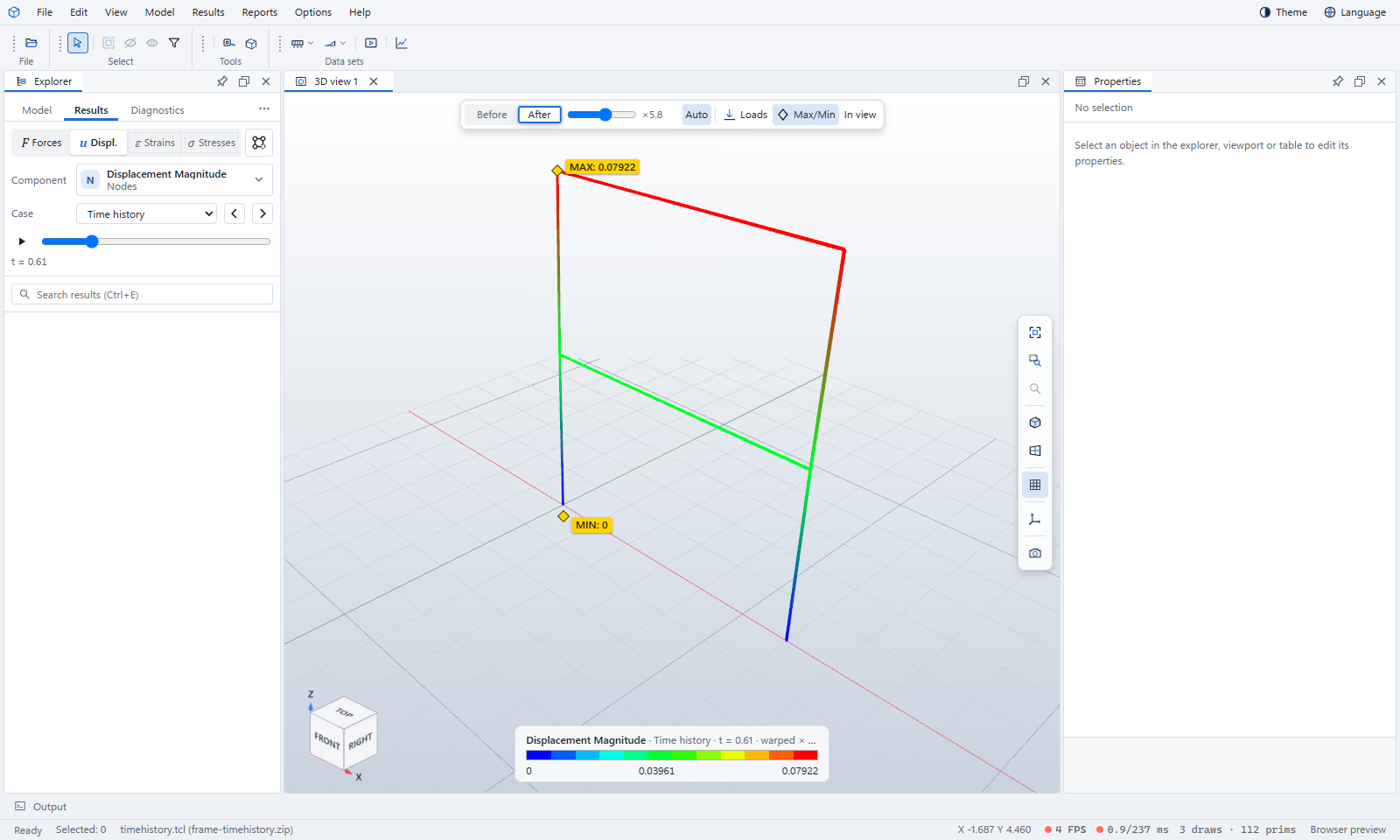
From the designed building to its seismic performance
It is FEA Studio for buildings with one solver: OpenSees. Project Chrono, MFEM and the CBFEM connection solver are left out. Bridges have their own product, FEA OpenSees Bridge.
Fibre models from your design
RC beams and columns get fibre sections built from the bars the design placed. Steel I, box and pipe members and RC wall piers become nonlinear too.
Ten analysis types
Linear static, modal, linear dynamic, nonlinear static, pushover, nonlinear time history, response spectrum, IDA, cyclic and collapse, all on OpenSees.
Ground motions
Import PEER .AT2 records, pairs or a whole folder as a suite. Generate spectrum-compatible records, scale them, and run ASCE 7 or KDS record suites.
Acceptance checks
Plastic hinge rotations against ASCE 41-17 IO, LS and CP, joint shear, member shear and storey drift, with the performance point of the pushover.
Collapse
Progressive collapse by column removal (GSA 2016 / UFC 4-023-03 alternate path), and collapse simulation in a time history, played back in 3D.
Seismic evaluation report
A performance evaluation report written to KDS 41 17 00 : 2022, in English or as the two Korean volumes, saved as PDF, Word or HTML.
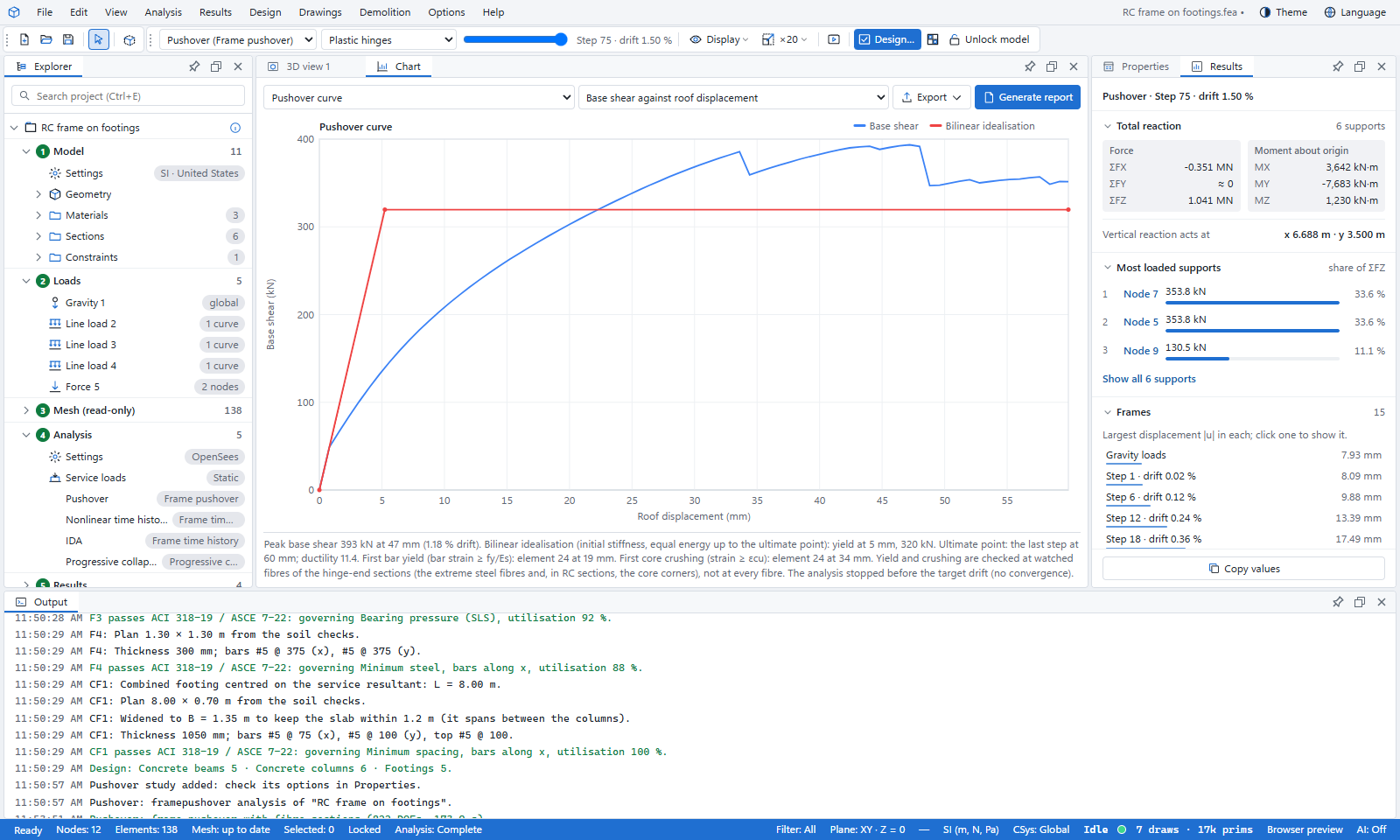
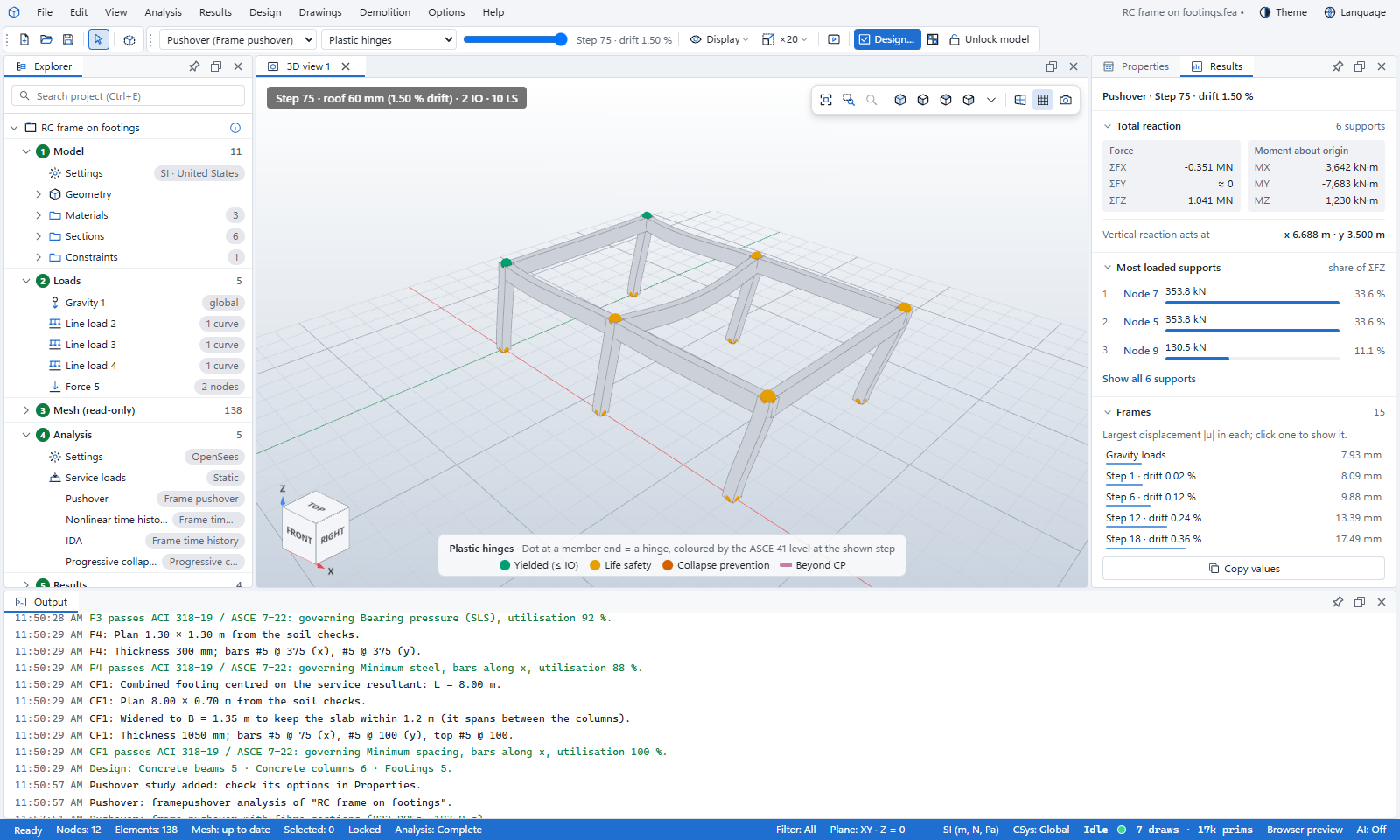
Design first, then the nonlinear analysis
The nonlinear studies read the bars of the designed members, so the order matters. The Explorer shows the stages in that order.
Model
A template, a sample or your own grid. Import IFC, Revit, ETABS or MIDAS models.
Loads
Load cases, generators and the gravity combination of the seismic weight.
Linear analysis
Static and modal on OpenSees.
Design
One Design… button places the bars the fibre sections need.
Ground motions
Import, generate and scale records, or set up a record suite.
Nonlinear analysis
Pushover, time history, IDA, cyclic and collapse.
Checks
Performance point, hinge acceptance, joint shear, drifts and collapse.
Report
The seismic evaluation report as PDF, Word or HTML.
The same building in MIDAS Gen NX and Perform3D
A 5-storey RC moment frame with fibre sections was modelled identically in the OpenSees model this program writes, in MIDAS Gen NX 9.7.5 and in Perform3D 11. Each figure is the other program’s result against OpenSees.
Not everything agrees. MIDAS’s Y pushover is 7 to 16 % weaker and its solver stops converging at 44 mm; the cause is not found yet. The validation page lists every comparison and the open differences.
The validation reports →Learn FEA OpenSees Building step by step
Each tutorial starts from the sample building in File › Samples, so you can follow along without building a model first.
Set up OpenSees and open the sample building
Install OpenSees, let the program find it, and run the sample’s seismic assessment.
Start →Gravity, then pushover
Read the capacity curve, find the performance point and check the hinges against IO, LS and CP.
Start →Ground motions and nonlinear time history
Import or generate records, scale them, run the time history and read drifts and hinges.
Start →IDA and collapse fragility
Run the records at rising intensity and fit a collapse fragility curve.
Start →Progressive collapse and its playback
Remove columns, check the alternate path, and watch a collapse in 3D.
Start →The KDS seismic evaluation report
Set a KDS hazard and record suite, and produce the report in English or as the Korean volumes.
Start →The FEA OpenSees Building manual
One manual for the OpenSees side of the program. Modelling, loads, design and drawings work as in FEA Studio, so the FEA Studio manuals cover them.
OpenSees is installed by you, not by us
OpenSees is separate software, distributed by the Regents of the University of California under its own licence. FEA OpenSees Building does not include, install or download it: it writes the model as an OpenSees input script and runs the OpenSees.exe you installed. OpenSees is free for educational, research and non-profit use; commercial use, and redistribution, may require a licence from UC Berkeley (Office of Technology Licensing). You are responsible for holding the licence that applies to your use. Get it from opensees.berkeley.edu.